Capability
Model access control: decide who can use which AI models
Access in Botnea is set by an administrator, per workspace and per role — not by whoever signs up for a subscription first. This page describes the actual admin workflow and where its limits are.
Why access control comes first
Every other AI control depends on this one. Standing instructions only apply to people using the workspace; usage records only cover activity inside it. If access is arranged privately, the rest of the governance model is describing a small fraction of reality.
It also matters at the end of the employment cycle. Removing a member from a workspace removes their route to the models the company pays for — a step that does not exist when each person holds their own account.
The administrator workflow
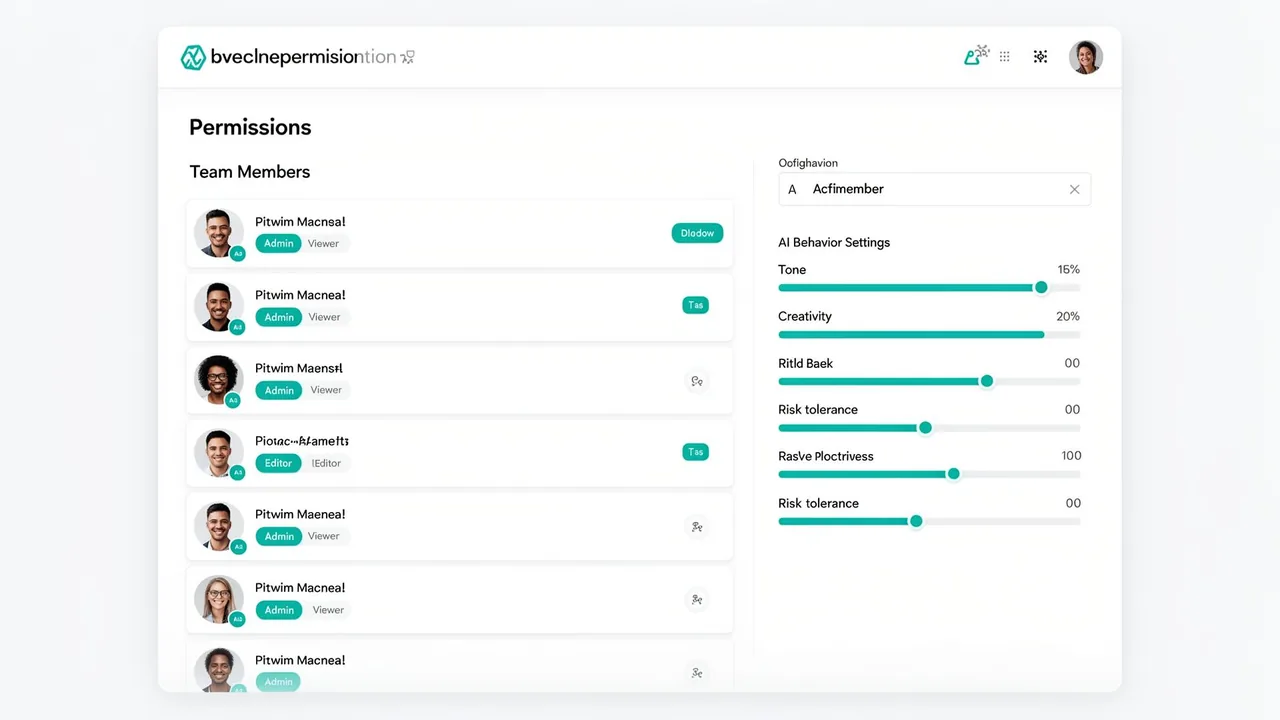
- Create a workspace. Workspaces are the boundary. Teams that should not share context get their own.
- Invite members. People join the workspace rather than creating individual vendor accounts.
- Assign a role. The role decides administrative rights and what the member can reach.
- Set model availability. Choose which of the available models the workspace and its roles can use.
- Adjust as you learn. Access can be widened or withdrawn later without touching a provider's billing portal.
What a member sees
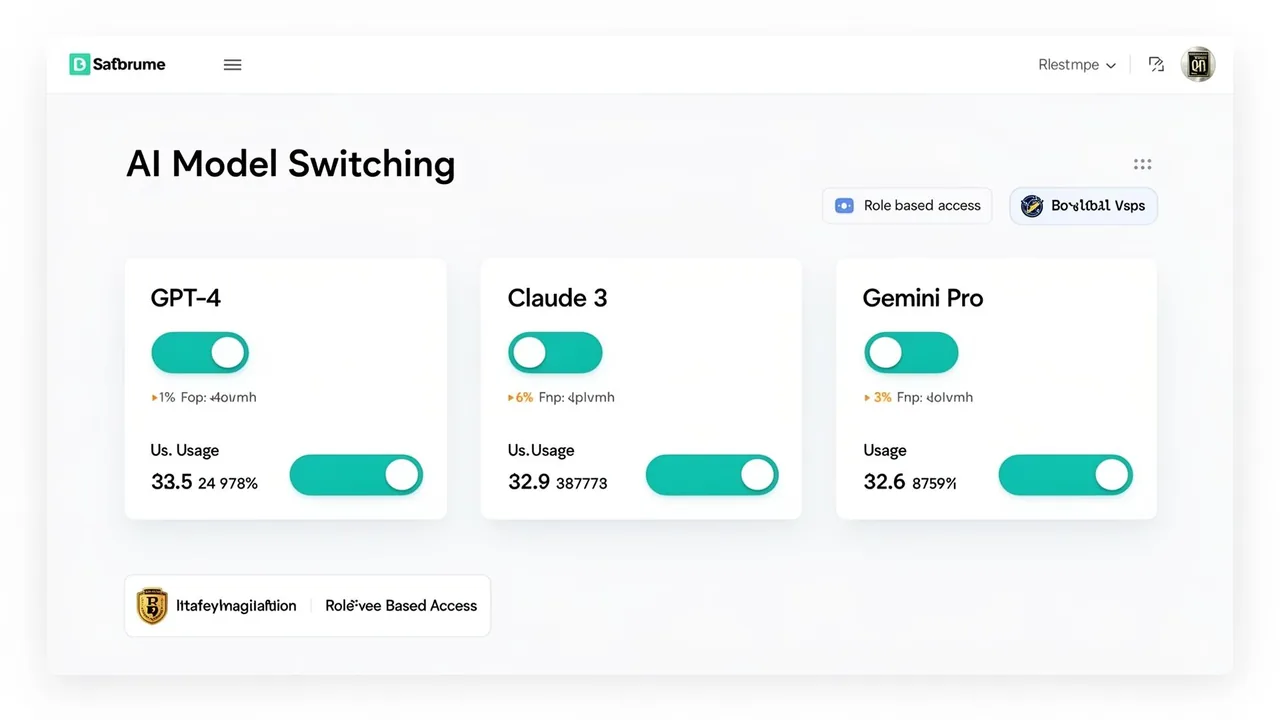
Members work in one place and switch between the models their role allows, choosing per task rather than per subscription. Anything outside their access simply is not offered, so the policy does not depend on someone remembering it.
Common access patterns
| Situation | Typical setup |
|---|---|
| Pilot with one team | One workspace, one administrator, broad model access, tight membership. |
| Teams with different context | Separate workspaces so material and instructions do not mix. |
| Contractors or temporary staff | Their own workspace and membership that is removed at the end of the engagement. |
| Leadership review | Administrator role for the person who needs the usage record, not for everyone. |
What this page does not claim
- We do not publish a fixed catalogue of supported models here; availability is configured per workspace and confirmed directly.
- Botnea does not claim SSO, SCIM or automated directory provisioning. If your rollout requires them, ask before committing.
- Access control governs use inside Botnea. It cannot prevent someone from opening a separate consumer AI account on a personal device.
- No claim is made about per-request policy enforcement, content filtering guarantees, or blocking specific prompt content.
See the security and data handling page for what Botnea does and does not attest to.
Questions buyers ask
- Can different roles have different model access in the same workspace?
- Model availability is configured by an administrator for the workspace and the roles within it. If you need a specific split, describe it to us and we will confirm exactly what is possible today.
- What happens when someone leaves the company?
- An administrator removes them from the workspace, which removes their route to the models the company provides. It does not affect any personal accounts they hold elsewhere.
- Do we manage billing with each model provider separately?
- Access is managed in the workspace rather than in each provider's console. For how commercial terms are structured, see the pricing page.
- Is there single sign-on?
- We do not advertise SSO or SCIM as available capabilities. Ask us directly and we will tell you the current state rather than a roadmap answer.
Map your roles before you roll out
Send us your intended roles and team boundaries. We will tell you how they map to workspaces and access today — including anything that does not map cleanly.